Stop Editing.
Start
Aesthetics isn't about "feeling". It's about math, hierarchy, and systems. Learn the science behind beautiful work.
The Aesthetic Trap
Blind Copying
- "It looks cool, but why?"
- Using templates without understanding.
- Messy layers = Unprofessional files.
Design Logic
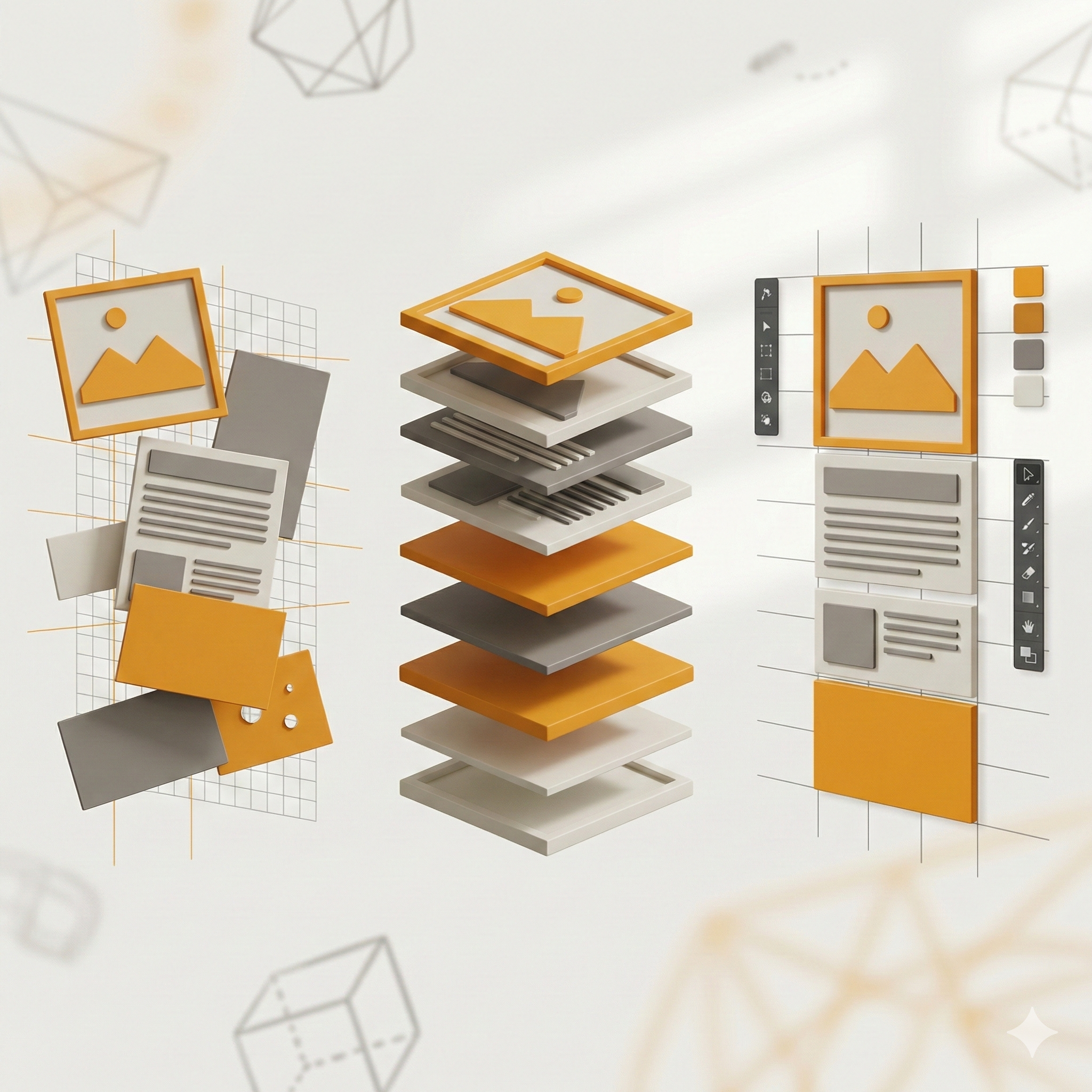
- Hierarchy: Controlling the eye.
- Structure: Non-destructive editing.
- Intent: Design that solves problems.
Who Is This For?
Beginners
Who have never opened Photoshop but want to create pro-level graphics.
Marketers
Who want to design their own ads and social media posts without waiting for designers.
Freelancers
Who want to add high-ticket graphic design services to their offering.
7 Steps to Design Mastery
Interface & Setup
Mastering the workspace. Setting up grids, guides, and efficient shortcuts.
Module 1.1Layers & Masking
The heart of Photoshop. Non-destructive editing using masks and adjustment layers.
Module 1.2Typography & Hierarchy
Choosing fonts that sell. Controlling the viewer's eye through size and weight.
Module 2.1Color Theory & Grading
Using color psychology. Color correction and advanced grading techniques.
Module 2.2Photo Manipulation
Blending images seamlessly. Lighting, shadows, and perspective matching.
AdvancedSocial Media Design
Creating high-conversion thumbnails, posts, and ads. Template creation.
PracticalCapstone: Brand Identity
Create a complete brand kit (Logo usage, Social Kit, Poster) for a fictional or real client.
CertificationChoose Your Path
Start with a live session or commit to full mastery.
Design Masterclass
90-Minute high-impact live training.
- Live Strategy Breakdown
- Live Q&A with Mentors
- Bonus Asset Pack
- No Recordings
Complete Course
The A-Z roadmap to Design mastery.
- Everything in Webinar
- Lifetime Access to Recordings
- 7+ Modules & Project Files
- Verified Certificate
- Private Discord Community